
OVERVIEW
Home Movies 100 is a public digital archive dedicated to home movies and the materials that accompany them: amateur films, photographs, letters, posters, catalogs, vintage documents. It makes a heritage that would otherwise remain accessible only to those who can physically visit the archive available for anyone to browse online and in an organized manner.
The system is composed of two parts: a public website, open and without registration, where the material is browsed, searched for, and watched; and a reserved area where the editorial team uploads content, describes it in Italian and English, links it together, and builds the thematic paths that guide the visit.
The project is promoted by the Home Movies Foundation — National Archive of Family Film, with Kine', and with the contribution of the Ministry of Culture (Directorate General for Cinema and Audiovisual) and the Emilia-Romagna Region. The public website has been online since 2022 at homemovies100.it and receives regular maintenance.
01
02
03
A subset of the editorial staff that, additionally, manages the accounts of other editors and the static texts of the website pages.
Each card displays the content using the appropriate tool — video with subtitles, zoomable and draggable images, browsable PDFs, and playable audio — along with the description, date, and archive data.
Text search in the selected language, with automatic suggestions of names, places, and dates extracted from the record texts.
By material type, file type, keywords, and year range. Next to each filter, the number of available materials is displayed, and the results load as you scroll.
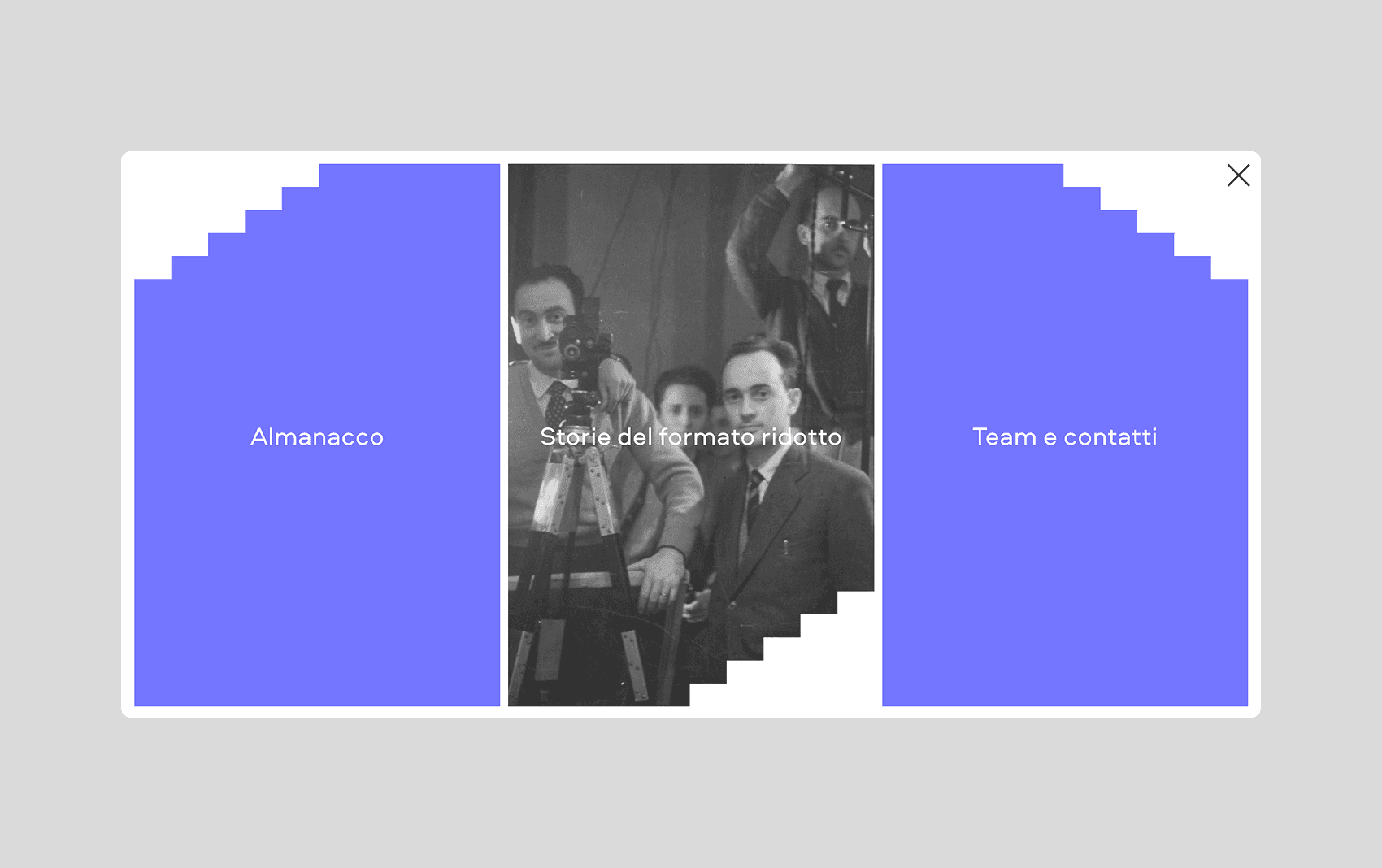
Thematic pathways curated by the editorial staff, each with an introductory video, an in-depth text, the related materials in the chosen order, the bibliography, and credits. A story can have chapters.
The clips are arranged on a chronological timeline that can be dragged and scrolled, to see how the materials are distributed over time.
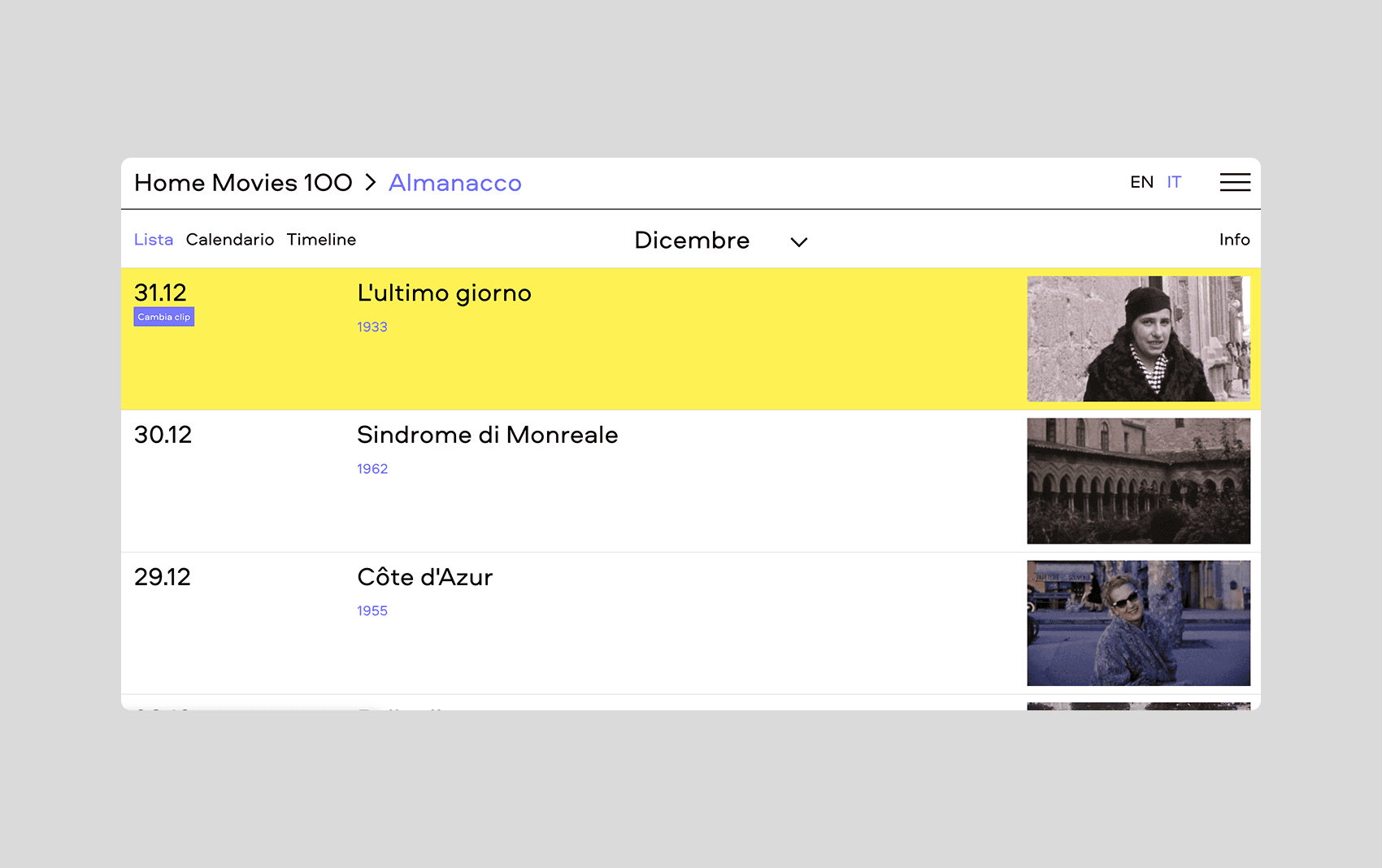
A content is associated with every day of the year. The home page shows the content of the day, the almanac allows you to browse all days, and the calendar offers the same thing in the form of a monthly calendar.
From each sheet, you can access the materials that the editorial team has indicated as related, in the order they have established.
Creating and editing sheets using a rich text editor, different fields depending on the material type, dragging and dropping to reorder materials, and highlighting texts that still need to be translated into English.
The editorial staff uploads a spreadsheet with the list of materials and the corresponding files to a storage area. The system checks everything before importing and, if it finds errors, lists them line by line without inserting anything; heavy content is then processed in the background.

COMPOSITION
The system is made of three applications that communicate with each other.
At the center is an application server that stores all the data — material files, stories, texts, the calendar, users — and makes it available through a programmatic interface: open and read-only for the public site, protected by credentials for everything that modifies data.
The public site is an application that builds the pages on its own server before sending them to the browser. This is a technical choice that has two concrete effects: the pages arrive already complete, so they are visible immediately even on slow connections, and they are readable by search engines and social media previews.
The restricted area is a separate application, accessible from a different address, which talks to the same application server using an expiring credential system.
Next to the server is a background processor that handles slow jobs — generating previews, downloading video data, analyzing texts — so that those using the restricted area do not have to wait.
The videos are hosted on Vimeo, the video distribution platform, and the system automatically retrieves their link, preview image, and subtitles. The images and documents are stored on a cloud storage space.
STACK
Application server
Public website and reserved area
Data archive
Background processing
Automatic text analysis

Video

File storage
Distribution
Statistics

